US-ASEAN Scholarship Program
Complete guide to registering for ASEAN Online Education Platform for Industry 4.0
ASEAN Online Education Platform for Industry 4.0 Registration Guide
I. Introduction
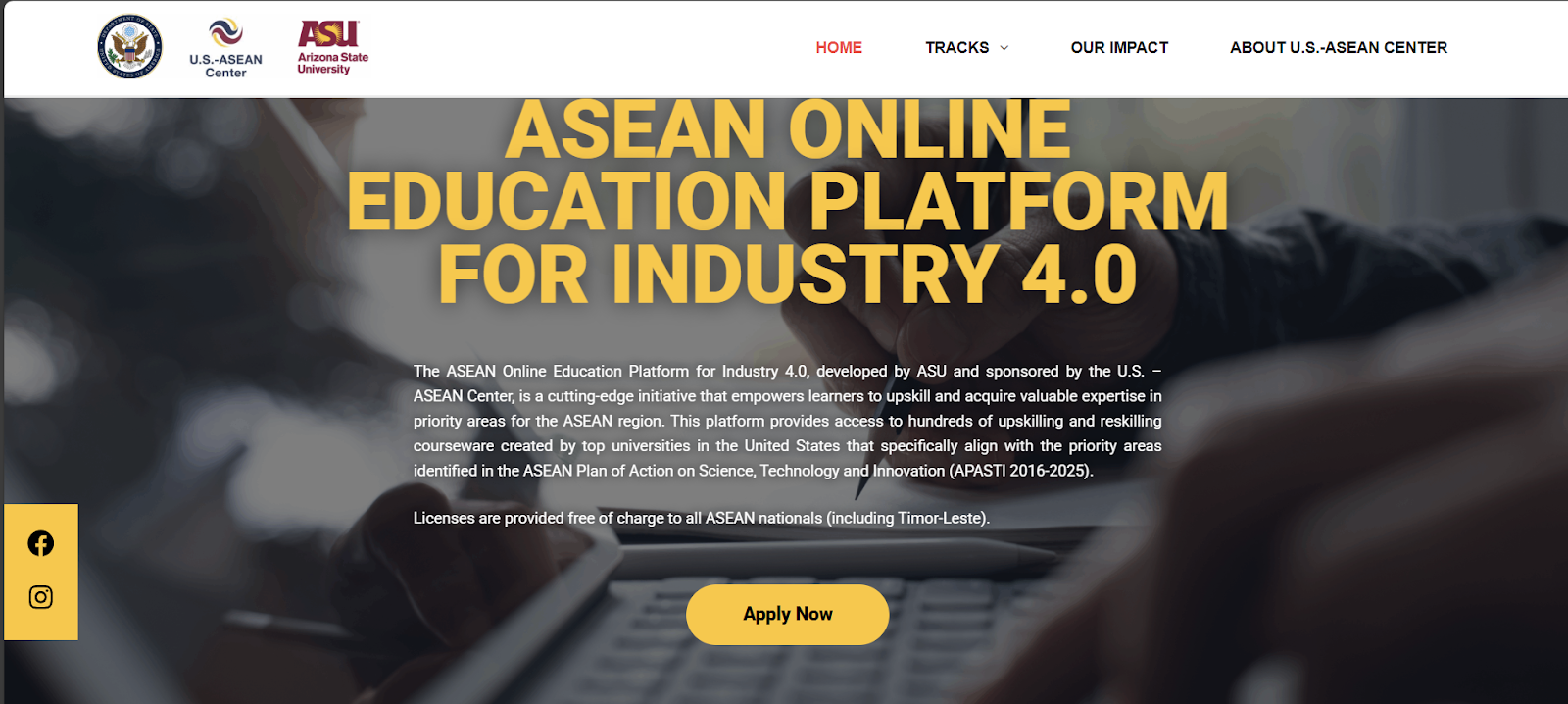
The "ASEAN Online Education Platform for Industry 4.0" under the U.S.–ASEAN STIC program offers free online courses on Industry 4.0, science & technology, and international professional certifications. Registration Link: Apply HereII. Step 1: Fill in Basic Information
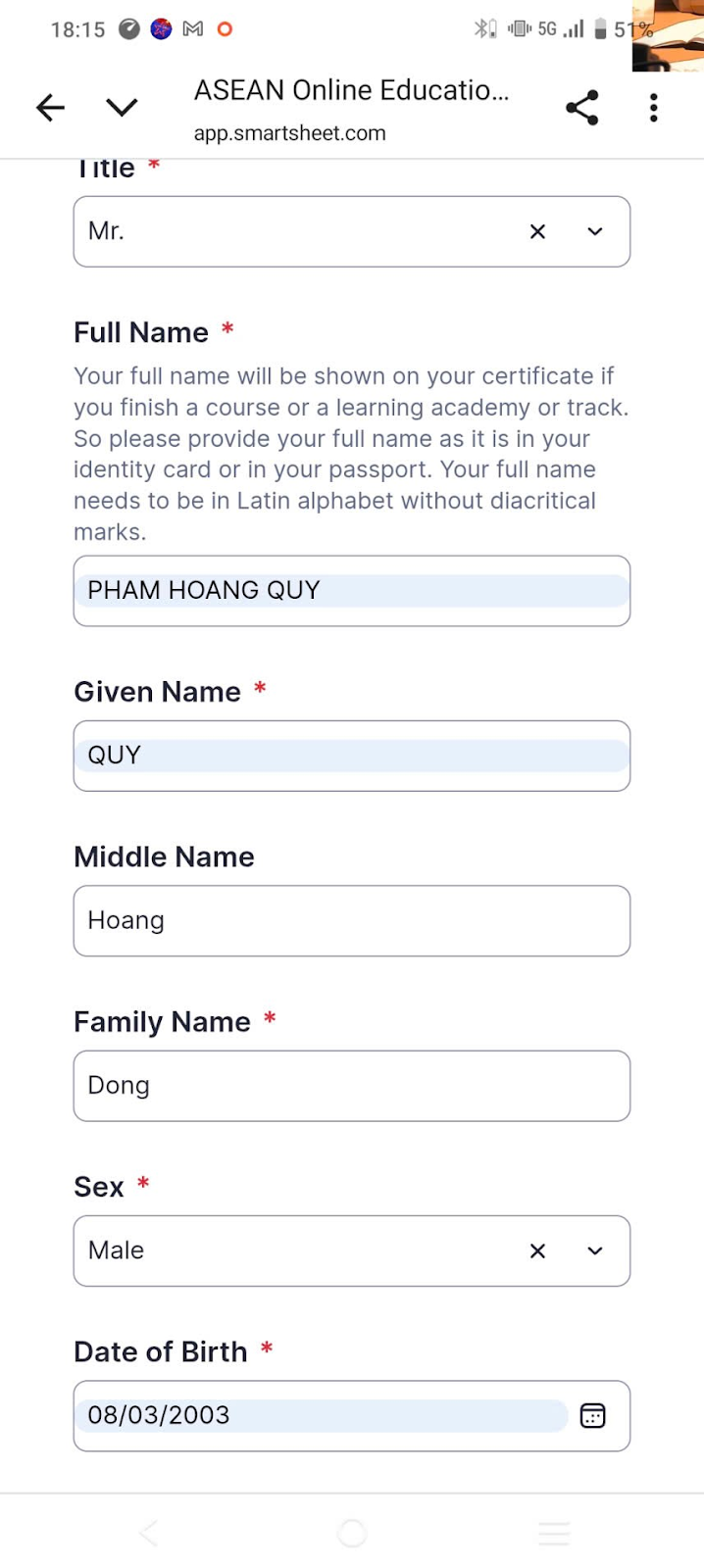
Access the link and complete all personal information: full name, nationality, occupation, email, etc.
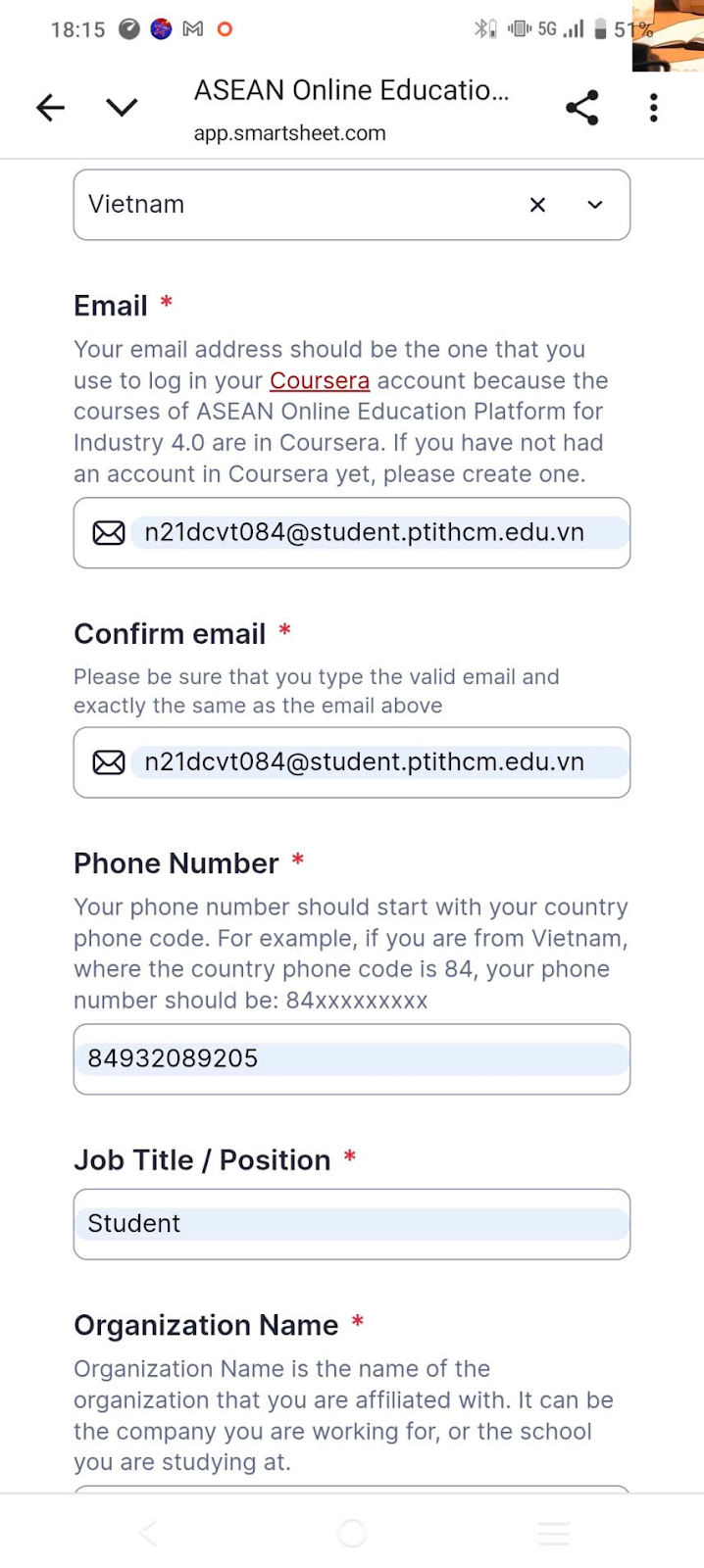
Important Note: The email you enter must be the same email you use to log in to Coursera.Example
III. Step 2: Prepare Your Coursera Account
If you don't have an account yet, create one using the email you'll use for the program.
Coursera Registration Link: https://www.coursera.org/Example
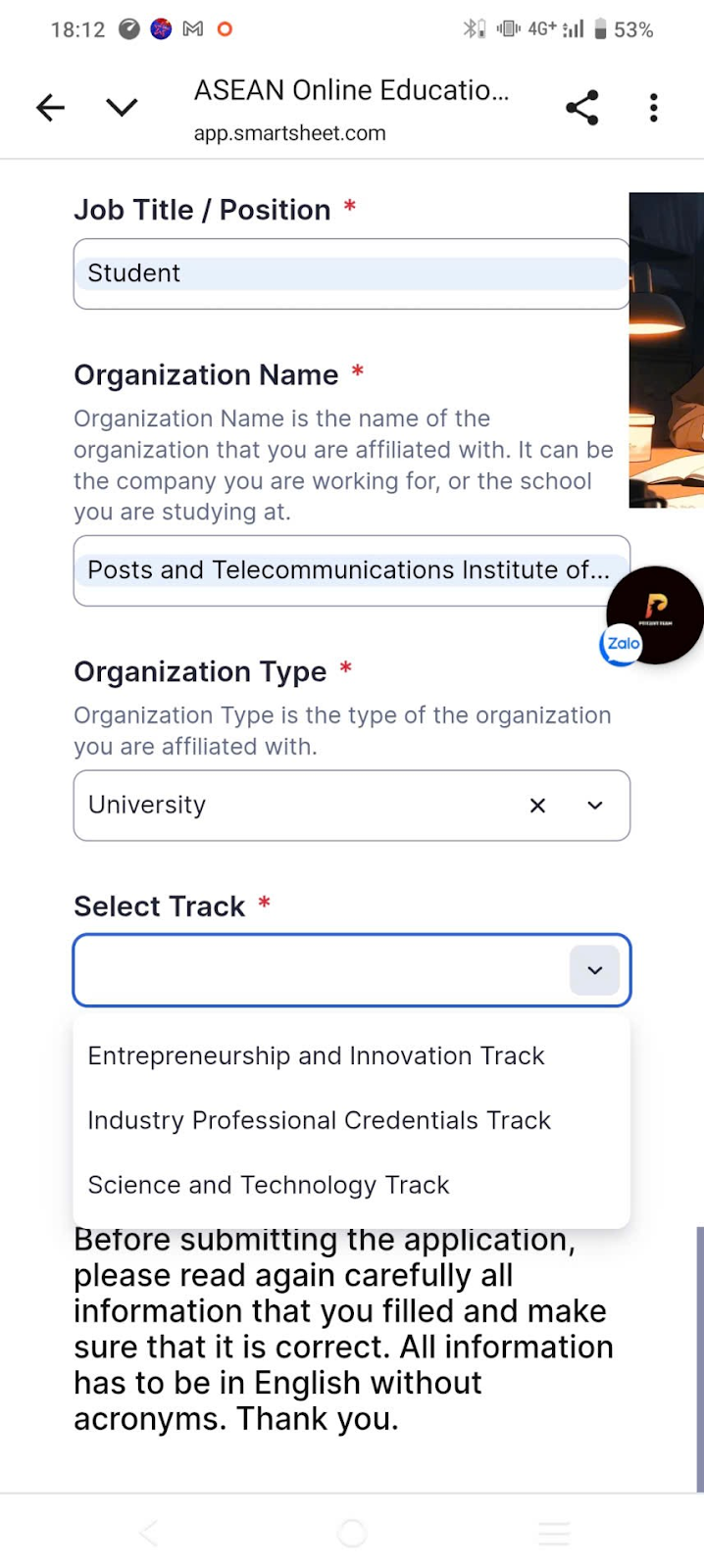
IV. Step 3: Choose Your Learning Track
You have 3 Tracks to choose from:
1. Entrepreneurship & Innovation Track
2. Industry Professional Credentials Track
3. Science & Technology Track
Available Academies:
Science & Technology Track with 10 different technical academies:🔑 Quick Comparison
| Track | Strengths | Industry 4.0 Applications | Target Audience | |-------|-----------|---------------------------|-----------------| | Entrepreneurship & Innovation | Startup skills, innovation | 4.0 startups, digital business models | Students/Founders pursuing entrepreneurship | | Industry Professional Credentials | International professional certifications | Implementing 4.0 tech (Cloud, AI, IoT) | Those seeking immediate industry employment | | Science & Technology | Scientific research & technology | Developing core 4.0 technologies | Those pursuing R&D or graduate studies |
V. Step 4: Choose Academy Within Track (If Science & Technology)
Example: Selecting the Science & Technology TrackThen choose 1 of 10 technical academies listed above.
Note: This example shows selecting "Cloud, Machine Learning, and Security" Remember to research your chosen track before applying!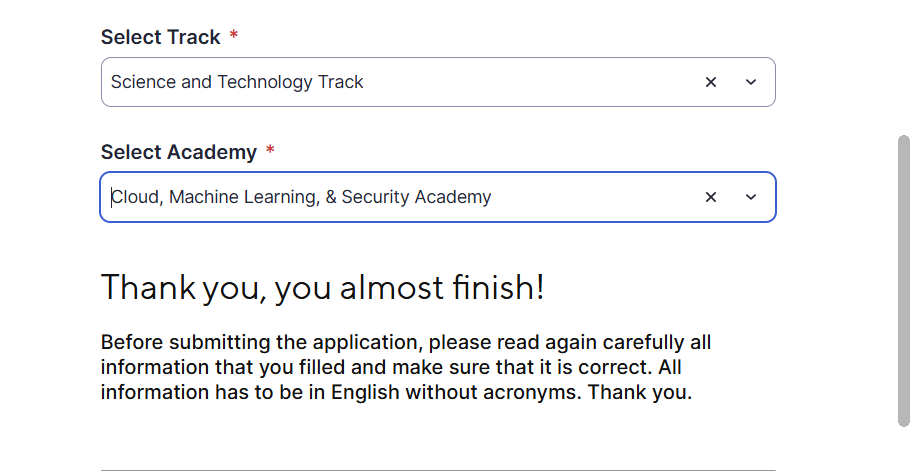
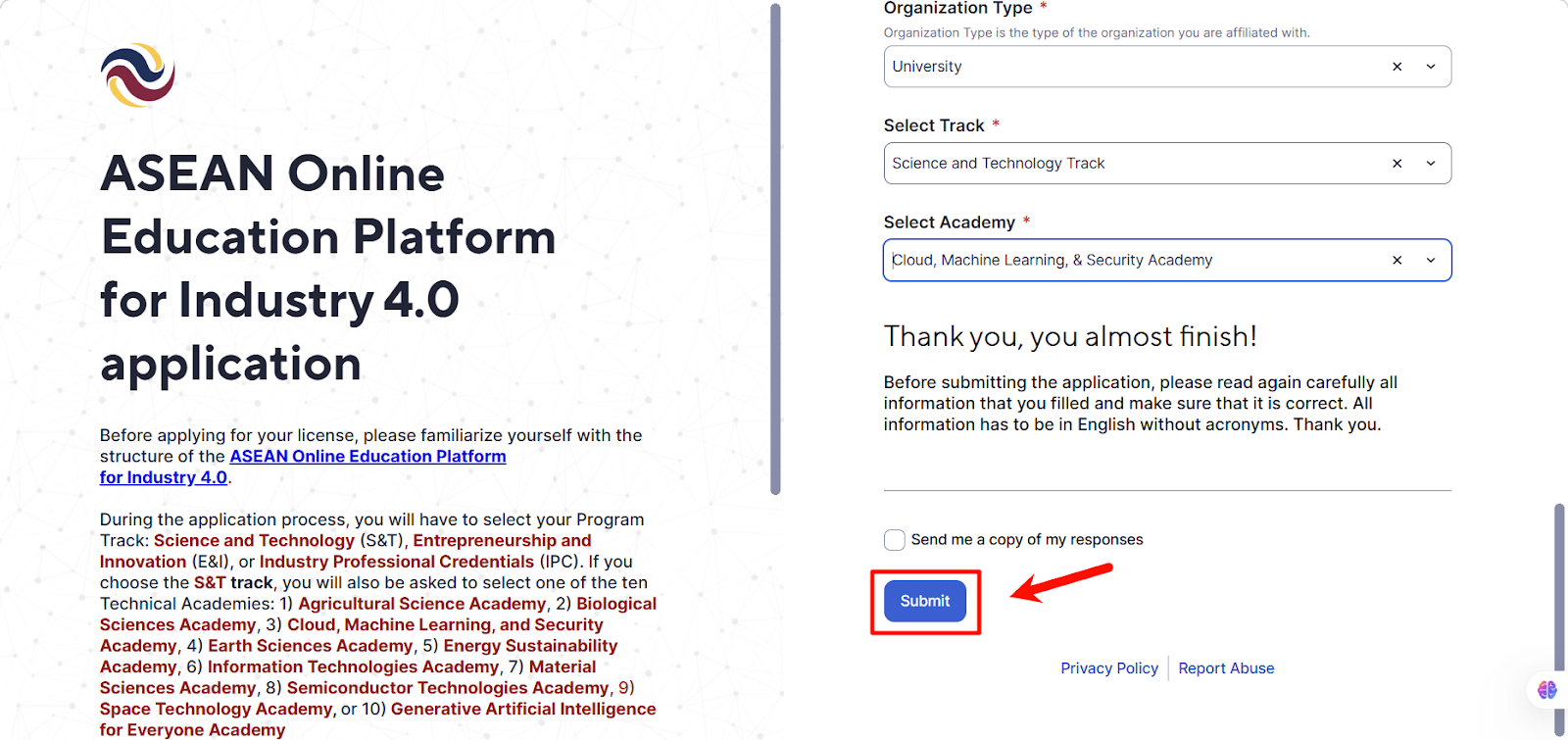
VI. Step 5: Submit Form and Wait for Approval
Example
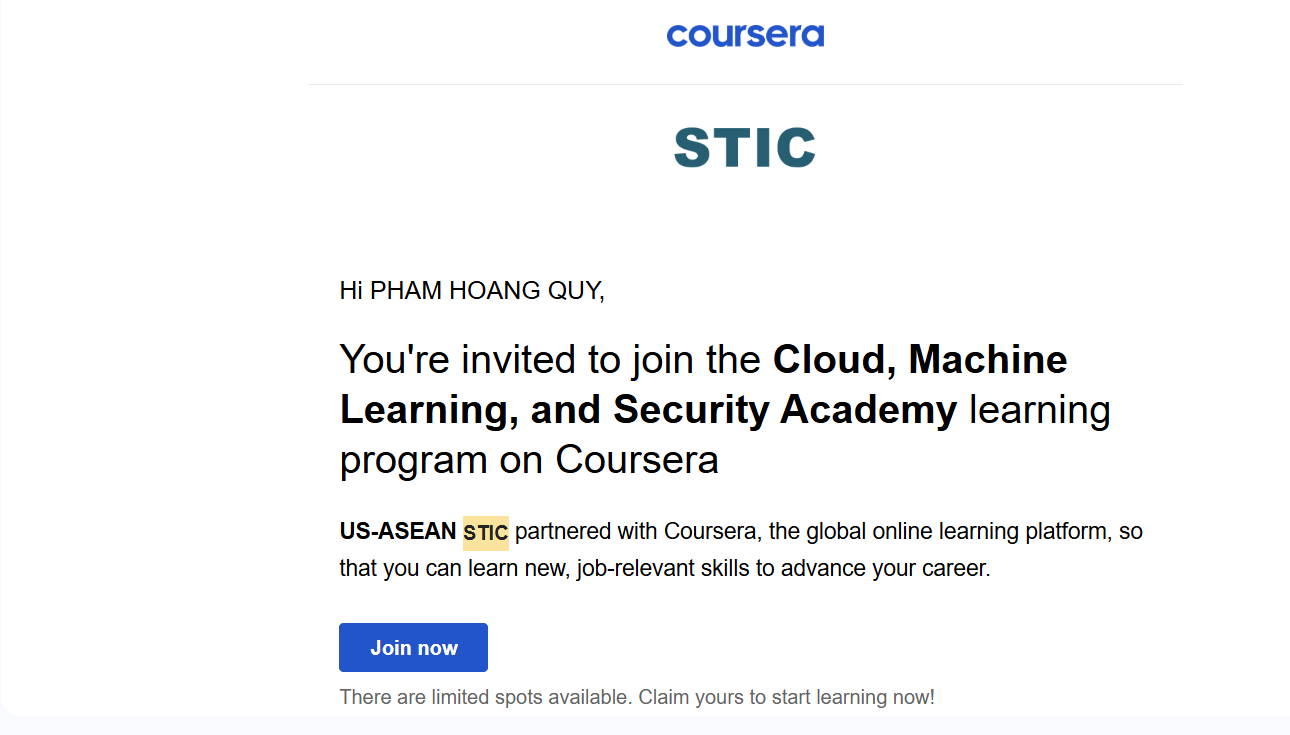
VII. Step 6: Choose Your Learning Path
After approval, you can select from suggested Learning Paths based on your field.
Example
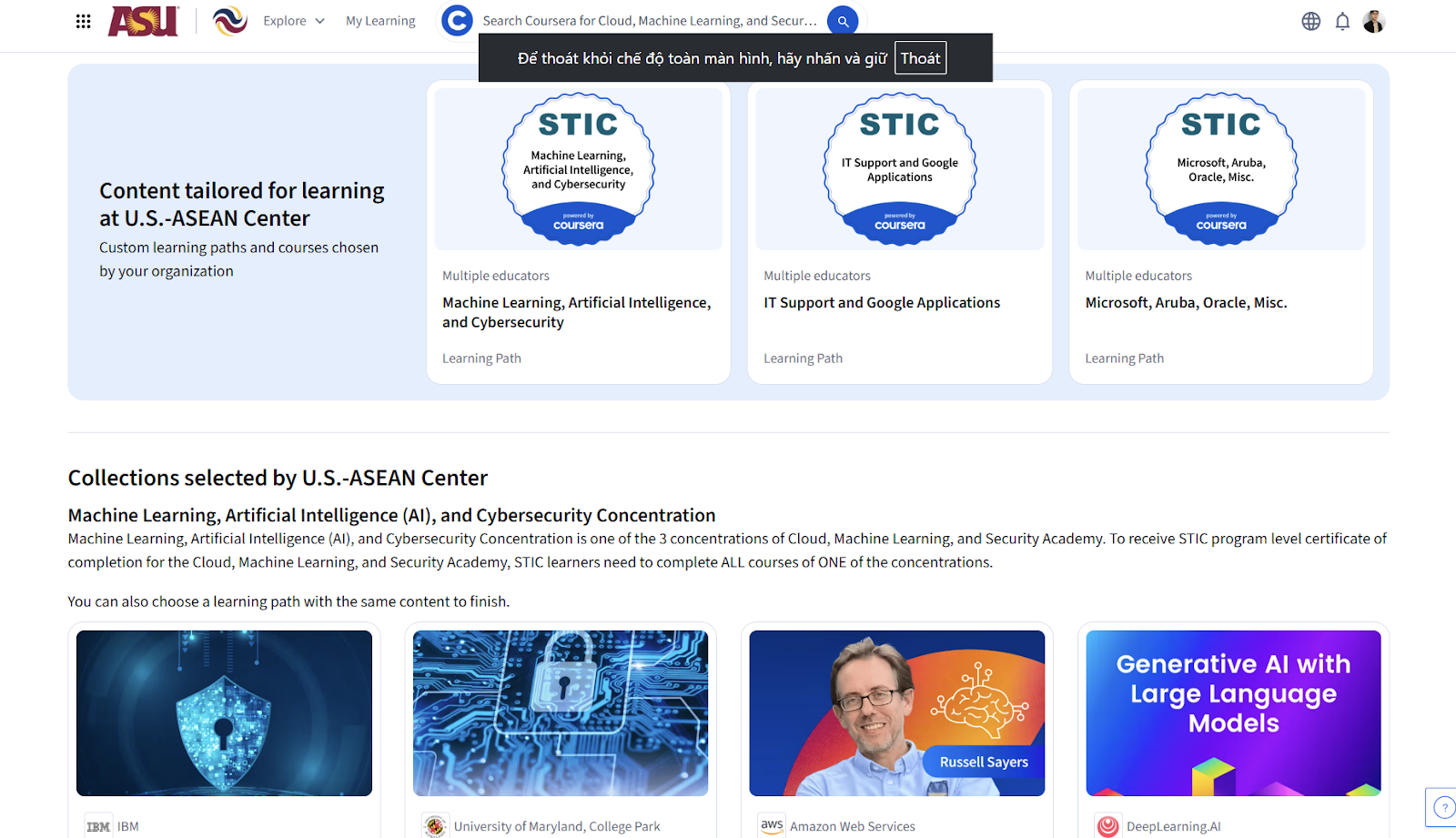
VIII. Step 7: Complete Courses & Receive Certificates
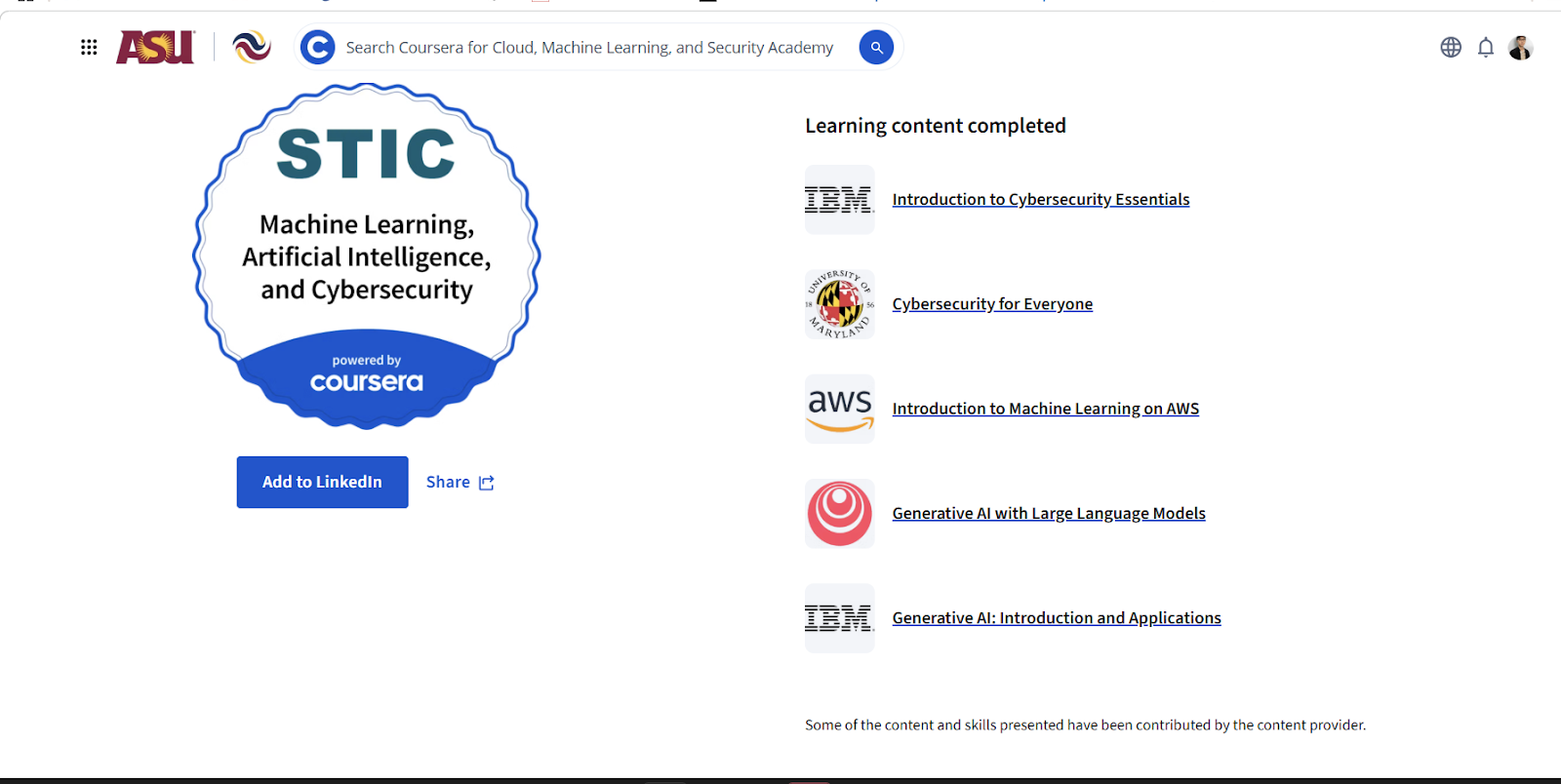
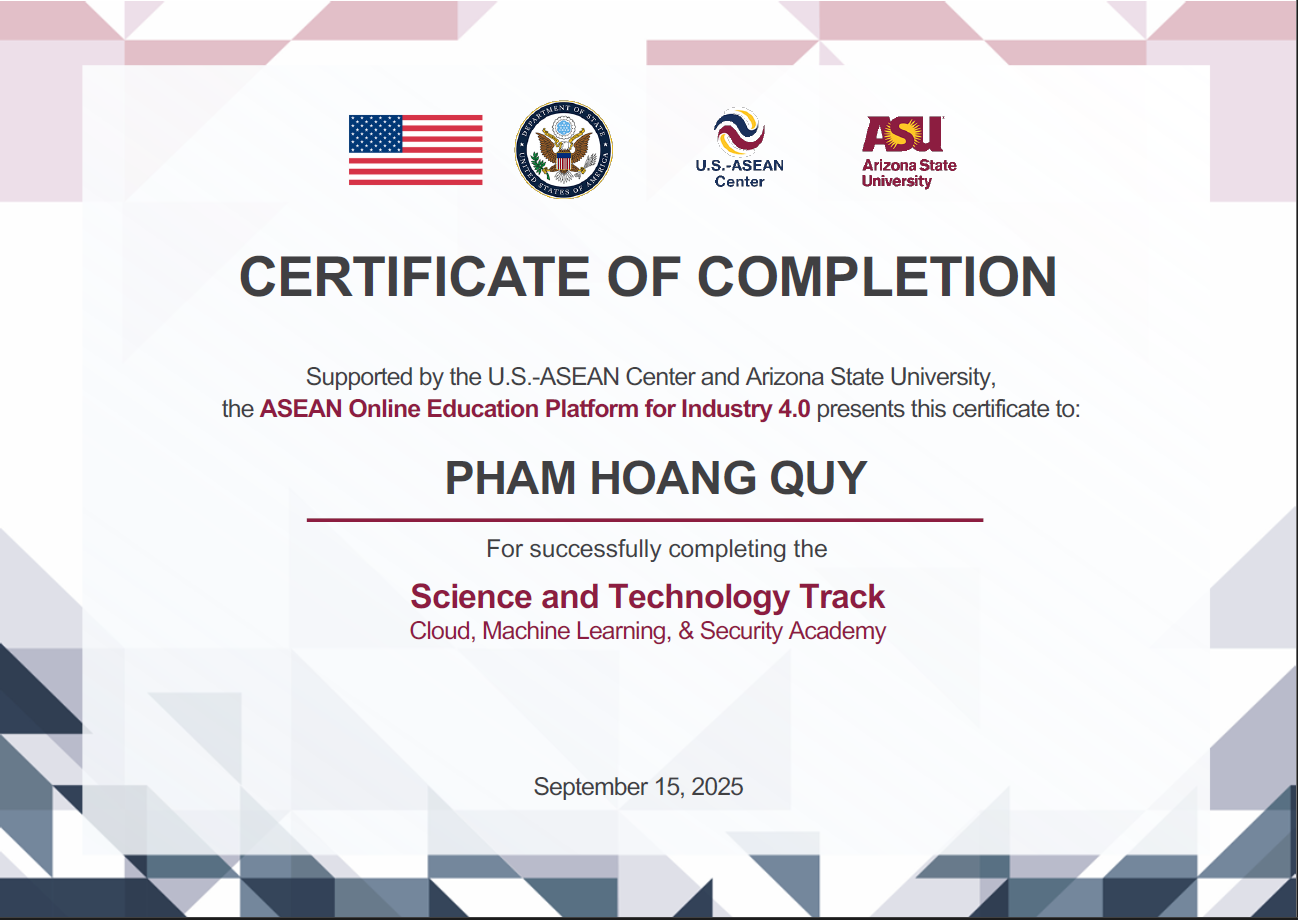
🎯 Good Luck!
Found this helpful?
Explore more learning resources and documentation to enhance your AWS journey.
View All Resources