
AWS Account Setup Guide
Step-by-step guide to setting up your AWS account and troubleshooting common issues
AWS Account Setup Guide
Disclaimer: This is a personal experience guide. For any issues, please contact AWS Customer Support for detailed assistance.Important Notes
1. Payment Method Verification
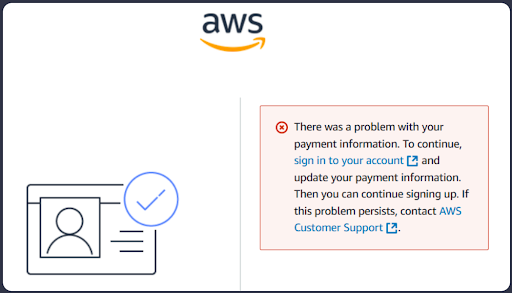
When encountering payment verification issues, you may fall into one of the following situations:
Solution
Try another bank account and set it as default. Recommended Vietnamese banks:
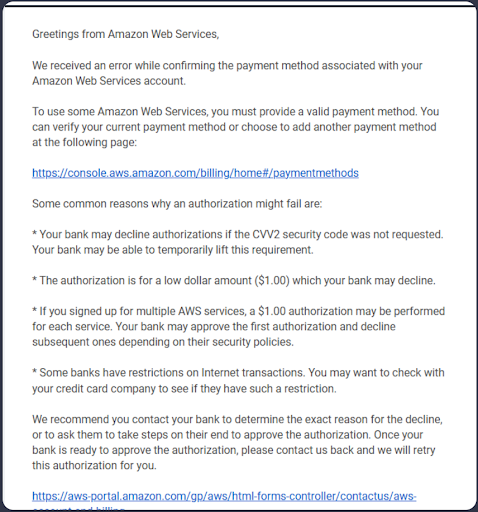
2. Identity Confirmation
Common issues occur when entering the wrong passcode during phone number verification. Important: Do not enter any wrong information or incorrect passcode. If you can't see the passcode clearly, request another one or choose the audio verification method.
Solution
If verification fails:
1. Create a support case with your information: - Phone number (including country, region, or area codes) - Preferred time zone for callback - AWS account ID - Registered email address
2. AWS will manually call to verify your phone number
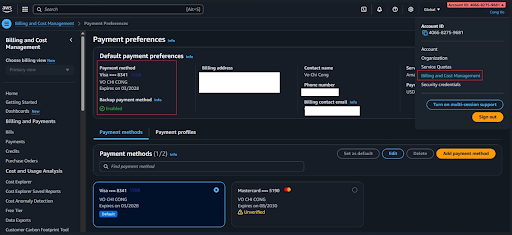
Note: If you can't locate your AWS account ID, refer to this guide: How to Find Your AWS Account ID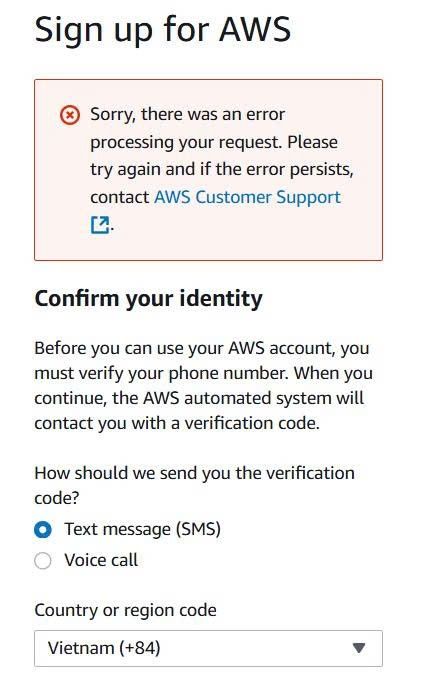
Found this helpful?
Explore more learning resources and documentation to enhance your AWS journey.
View All Resources